1. Create your Unkey account
The first step to using Unkey is to create an account. You can do this by visiting app.unkey.com.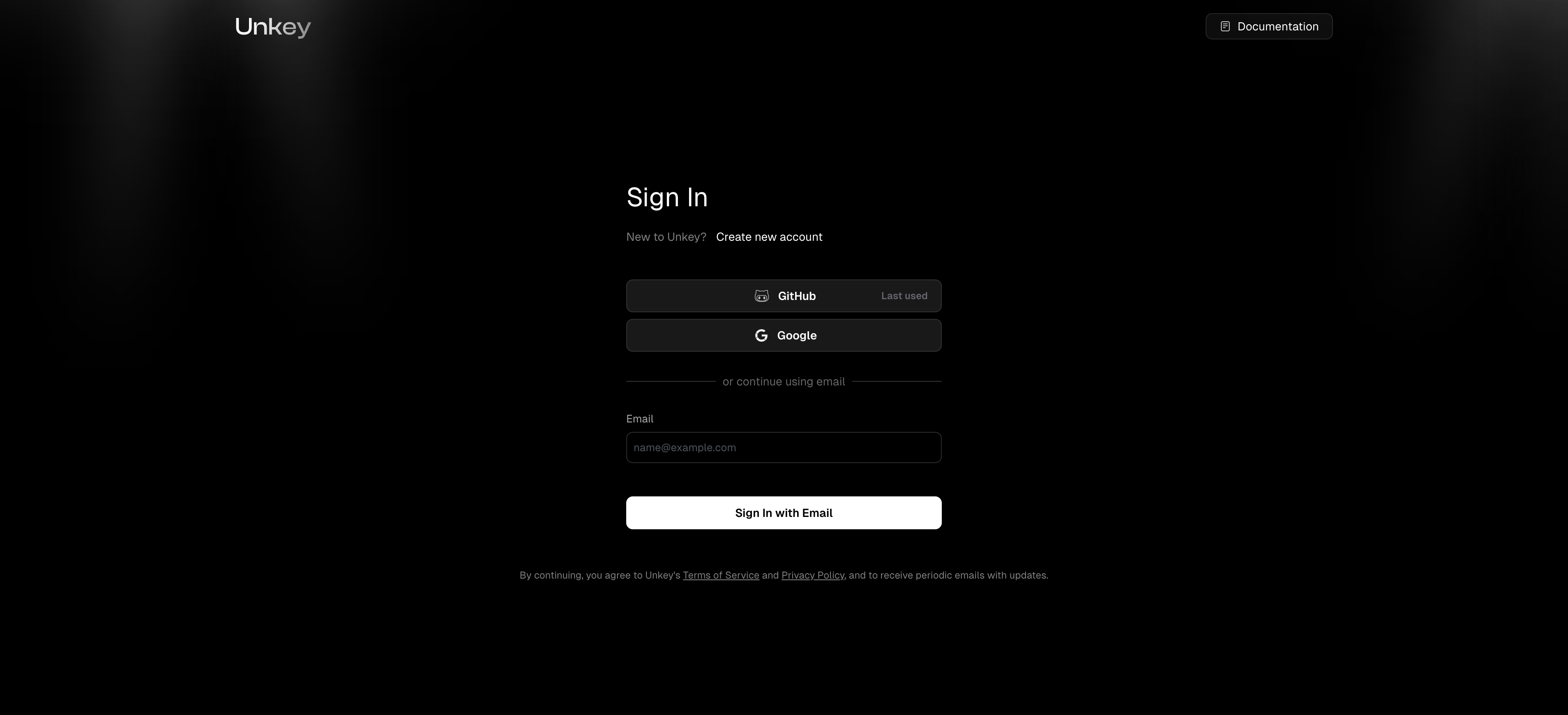
2. Create your first API
Next we will get you to create your first API. This is the API that you will be protecting with Unkey. You can create as many APIs as you like, but for now we’ll just create one. Give it a name and add the features you need. You can always add and remove features from the dashboard later as needed.You can skip this step by clicking the
Skip step button in the top right. You can always do this from inside the dashboard.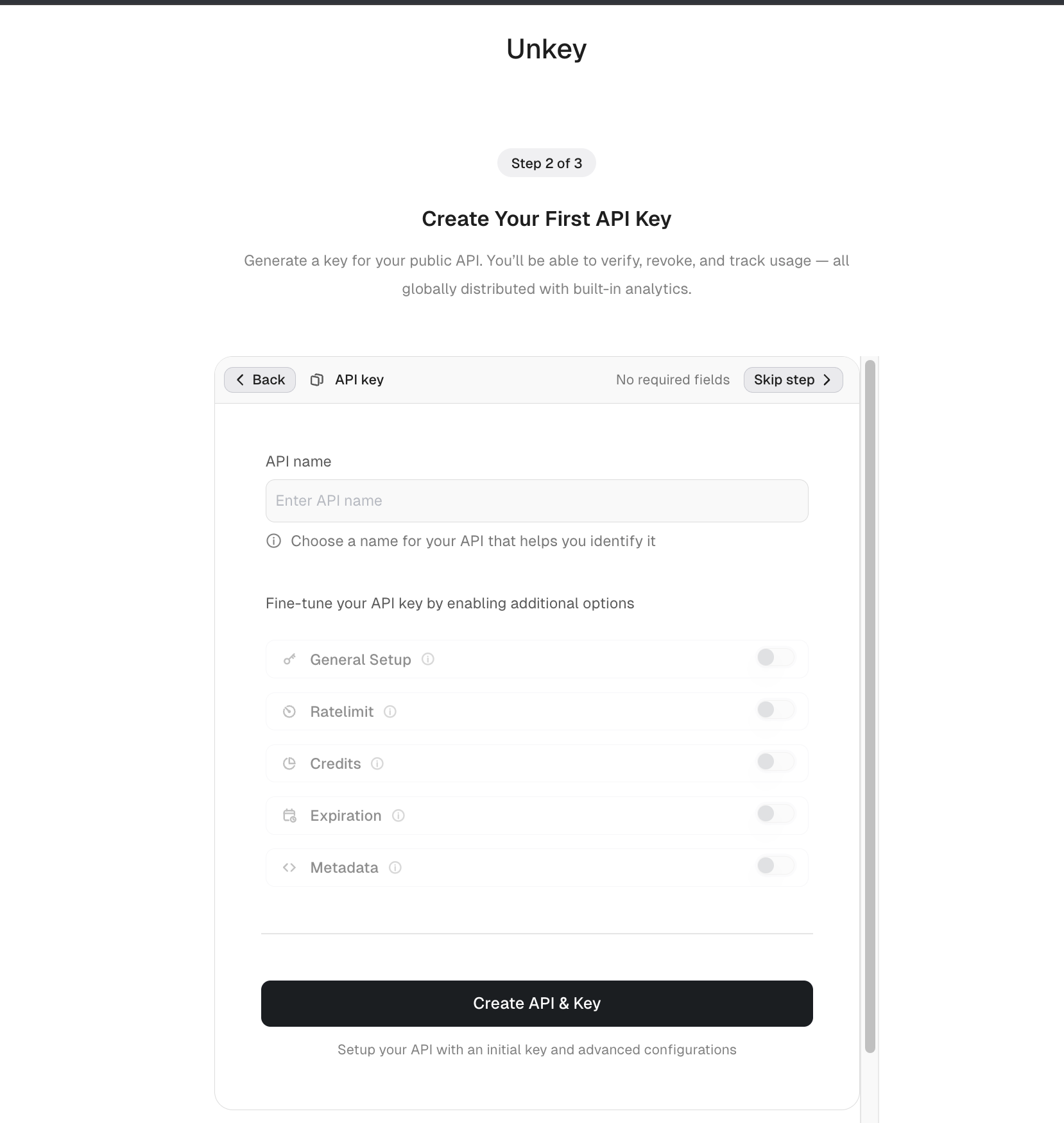
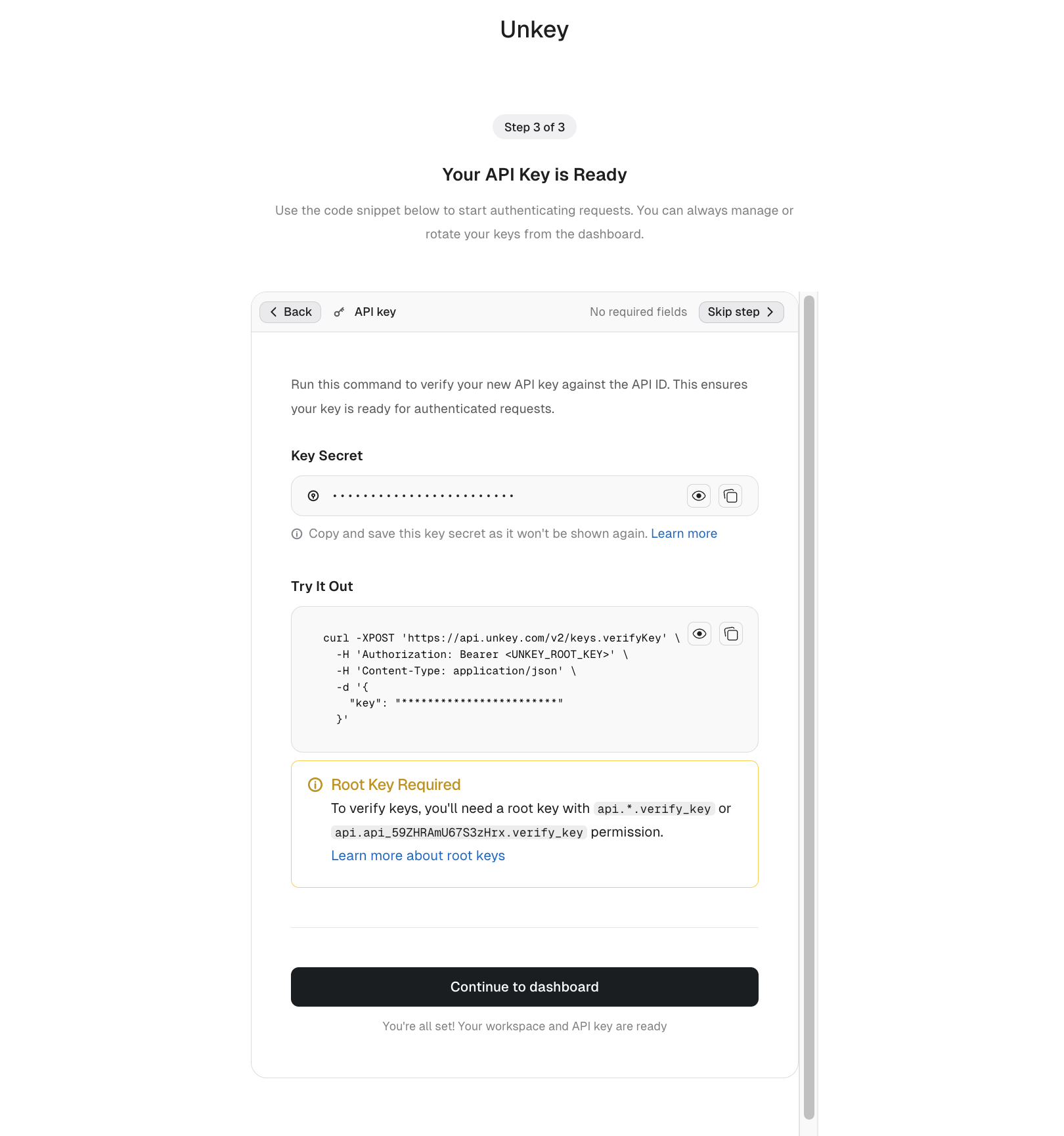
3. API Key
Next there will be a dialog with an API key created for you. Copy the key and curl command to try out unkey.